Hello, Go!
It is time to start using Go for real.
Before that, let us try a handy GoLand feature.
Type just main.
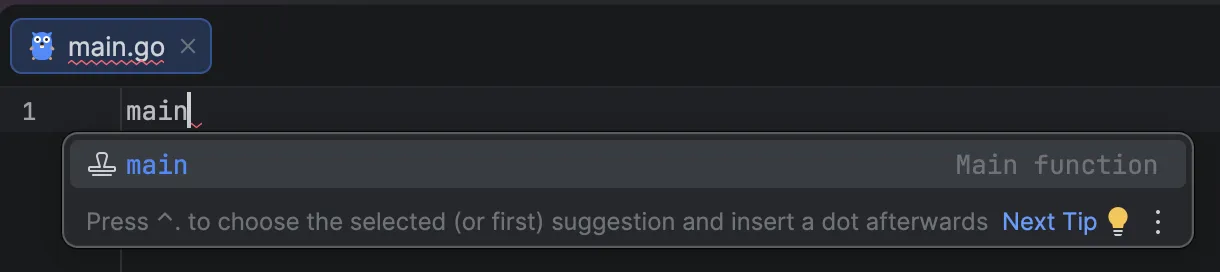
If you press Enter, GoLand automatically inserts the basic code you need.
Go is special in one way: it requires this line at the top of every program.
package mainWe will explain why in the final part of this course, “Package Structure.” Now let us write some real code.
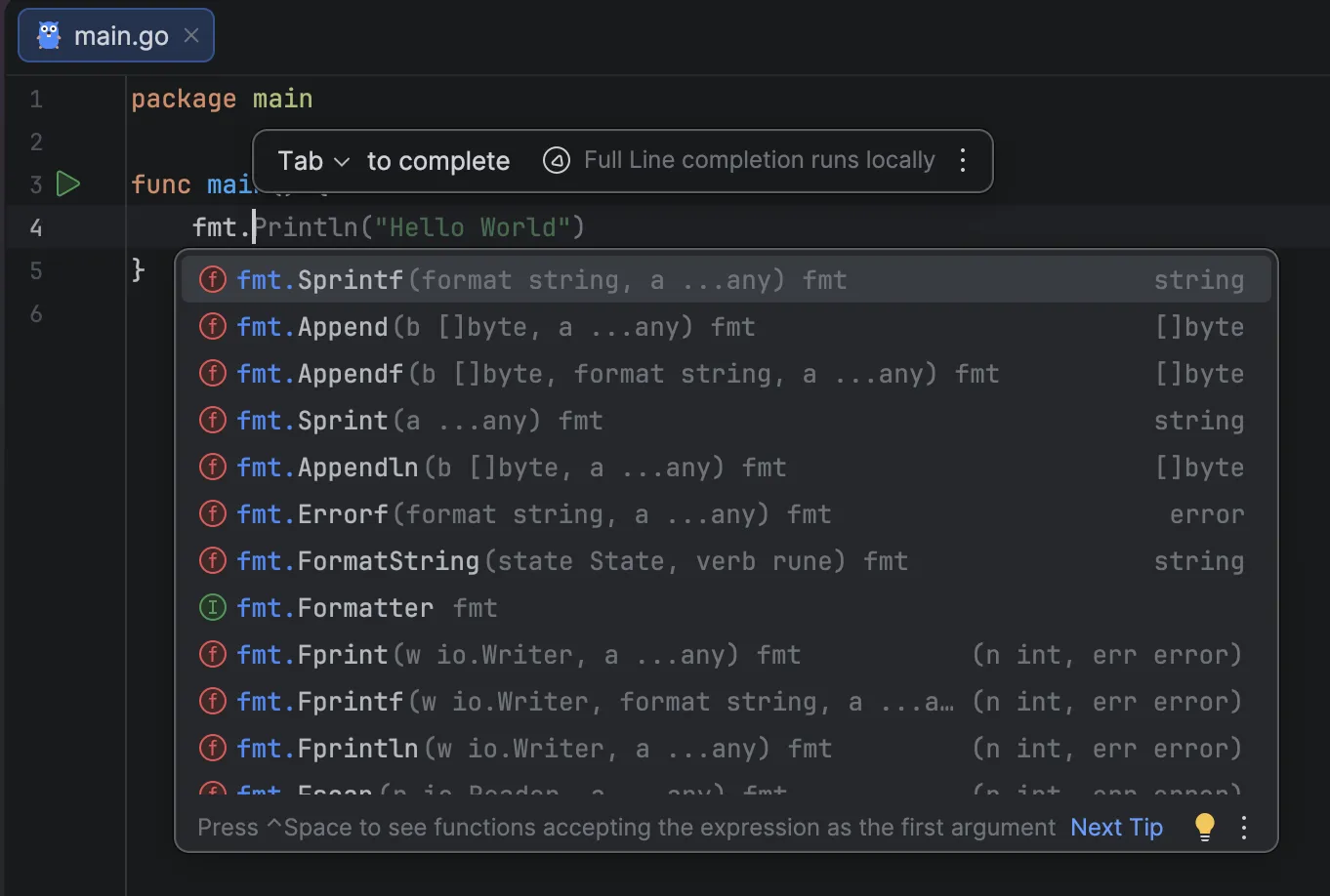
Type fmt. and GoLand will predict what you want, suggesting functions like Println.
Press Enter and it will choose a gray item like Sprintf().
Press Tab and it will complete the faint Println("Hello World").
Now type the code below exactly:
package main

import "fmt"

func main() {
    fmt.Println("Hello, Go!")
}
You just wrote your first program.
Wait, what does all of this mean?
- package main: A label that says, “This is the entry point of the program.”
- import “fmt”: Bring in the toolbox (
fmt) that helps with printing. GoLand manages imports for you, so you can ignore it for now. - func main(): The main magic box that runs first when the program starts.
- fmt.Println(“Hello, Go!”): Print “Hello, Go!” to the screen.
Now click the run button (>) next to func main, and choose Run.
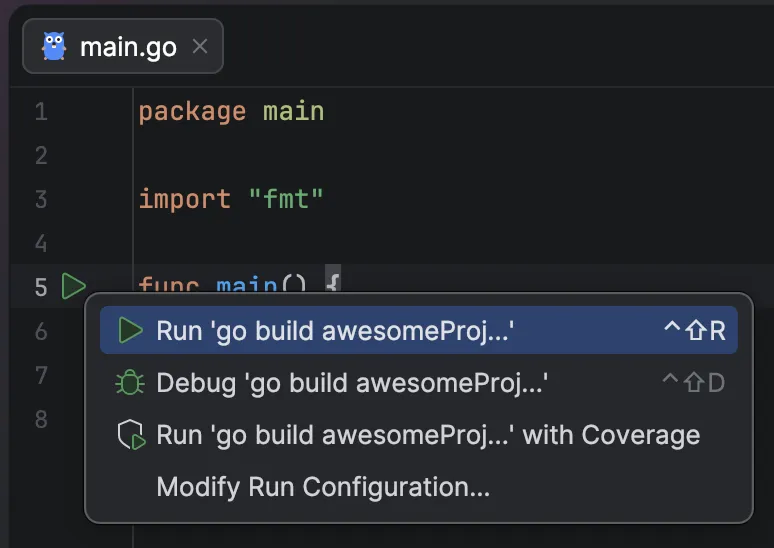
If you see Hello, Go!, you are already a Go developer.
Change it to Hello, GoLand! and run it again.