Hello, Python!
Now, let us properly get to know Python.
Before that, a quick look at our tool, PyCharm.
Type just p in the PyCharm editor.
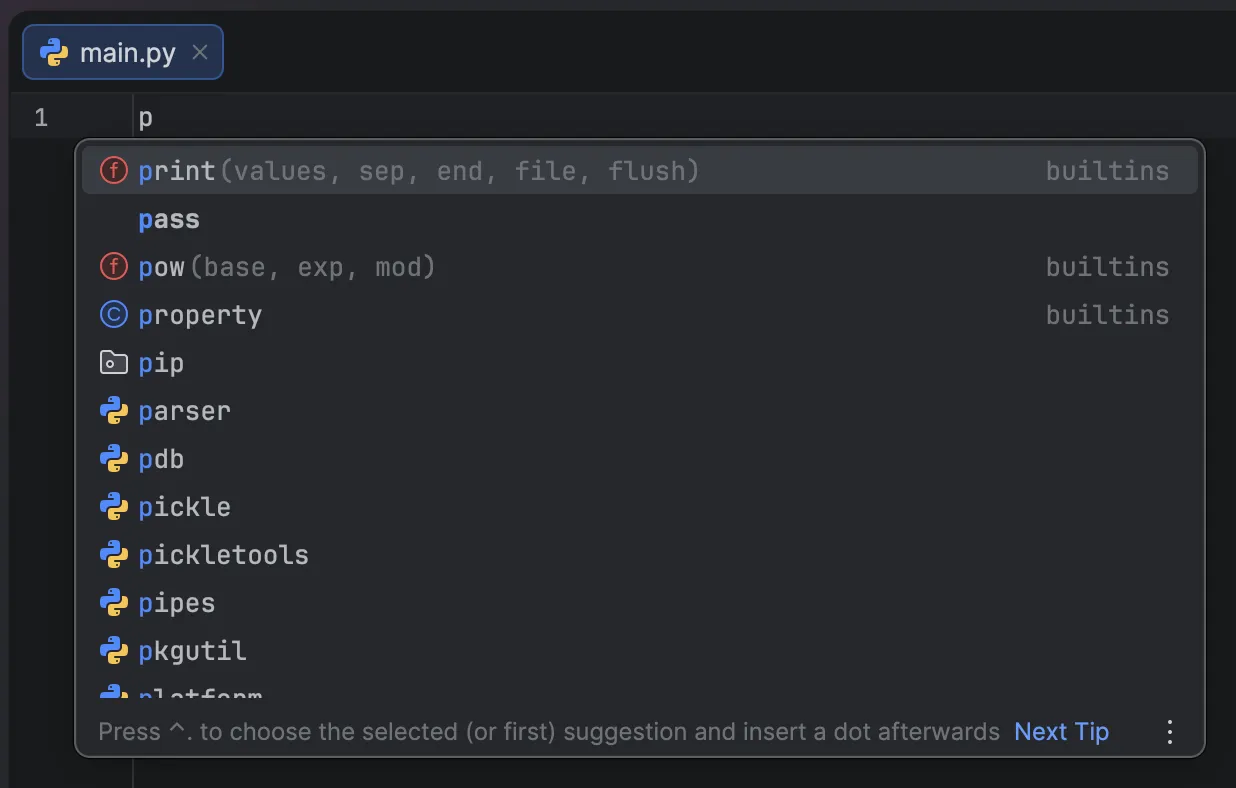
Even with just p, PyCharm guesses what you want to type.
It already looks complicated, right?
But we will use maybe 1% of what you see there. You can ignore the rest.
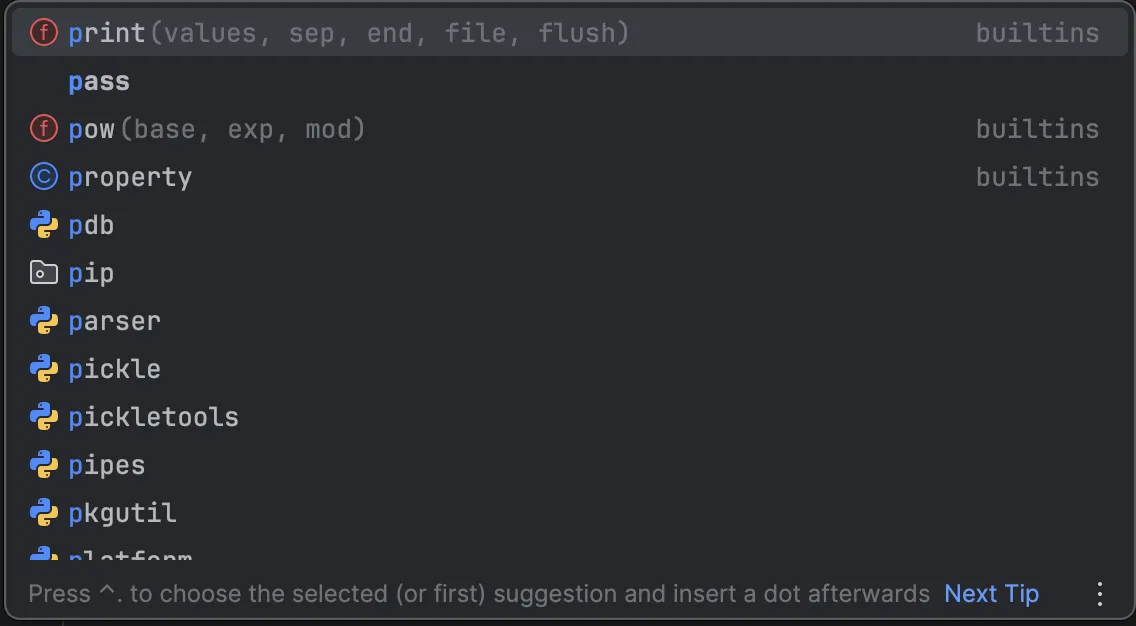
Notice that only print at the top is lightly highlighted.
PyCharm is recommending that we use print.
The part in parentheses like (values, sep...) can be ignored too.
If you press Enter, it will auto-complete for you.
And did you notice?
If you just type p and wait a bit, you will see:
print("Hello World")in a faint color.
This is PyCharm’s AI feature. If you type a little and pause, it predicts what you are going to write.
Tap Tab and print("Hello World") will be filled in for you.
Now type print("Hello World") yourself!
You just completed your first program.
Wait, so what does print(“Hello World”) mean?
If we translate it into plain English, it means:
Print "Hello World"Start with print.
It literally means “output”.
So where does the word “print” take its message? To a computer, the parentheses are the part that says “say this”.
And Hello World is the text itself.
Still not sure how it feels?
Let us tell the computer to do it.
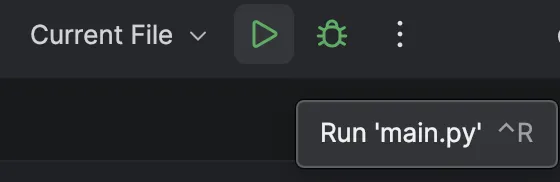
Click the faint > button.
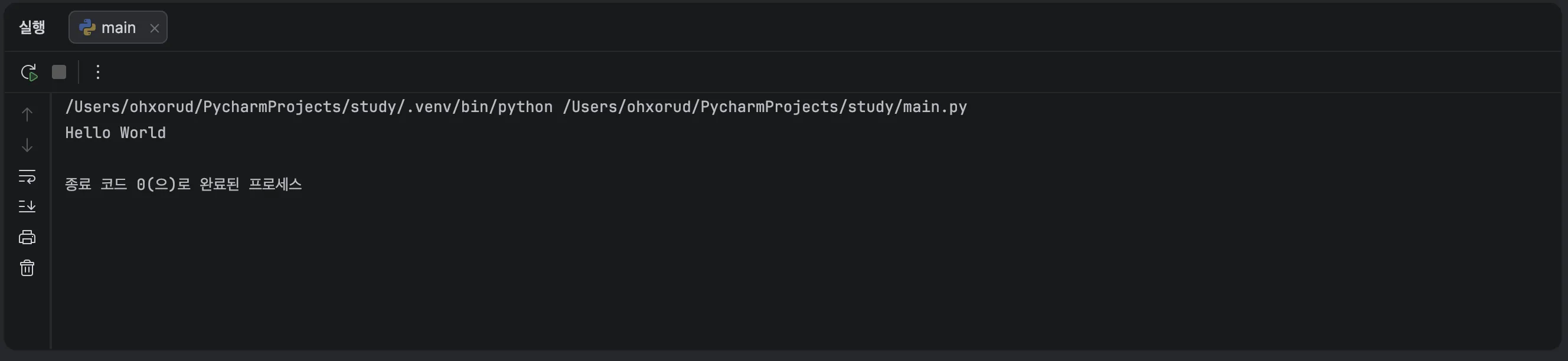
As expected, it printed Hello World.
Now change the text to Hello, Python! and run it again.